
Bibata Tinted Cursor

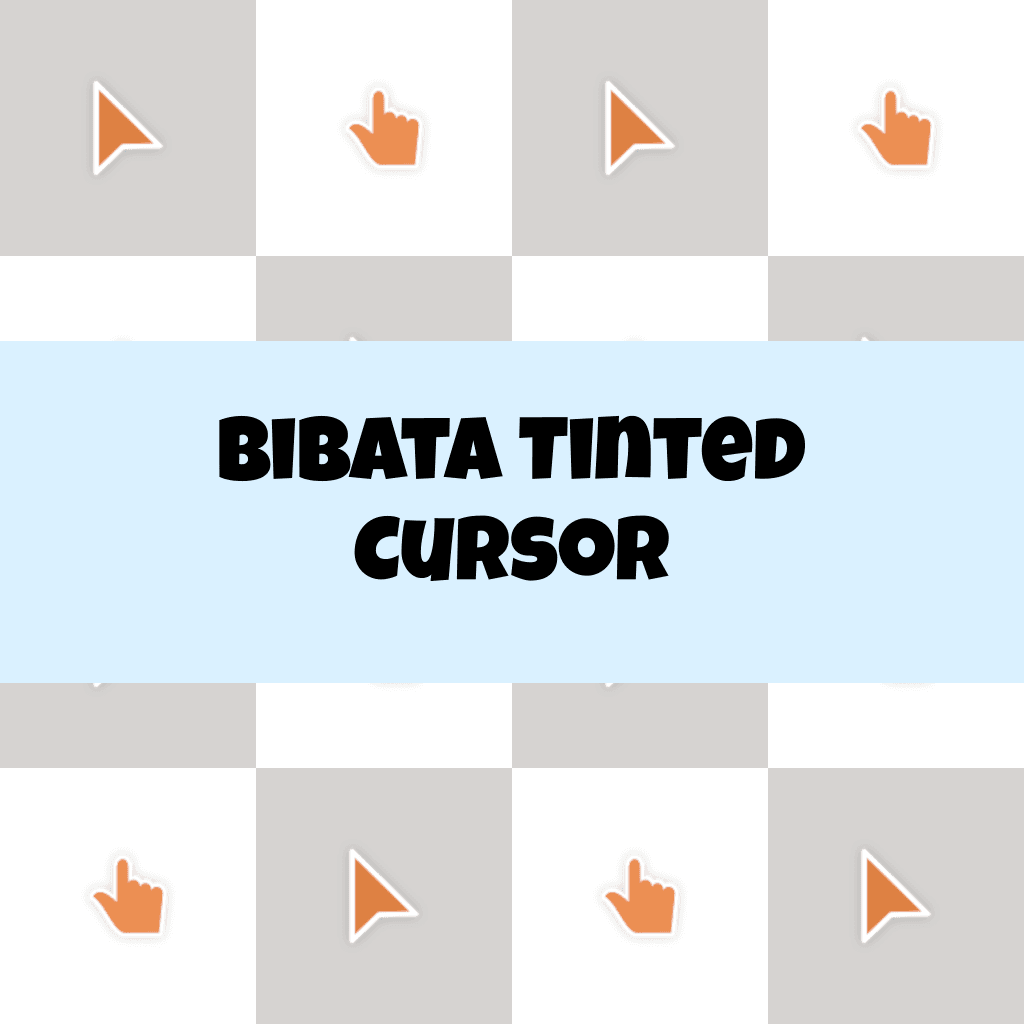
Cursors in the pack
Description
The Bibata Tinted Cursor is a fashionable and lively choice that significantly enhances both visibility and operational efficiency. Its seamless and highly responsive performance ensures a personalized and comfortable digital experience, making it suitable for use across a wide range of operating systems.
By integrating this striking cursor, you can elevate your computer interface and bring a distinctive shine to your screen.
What's included in the package
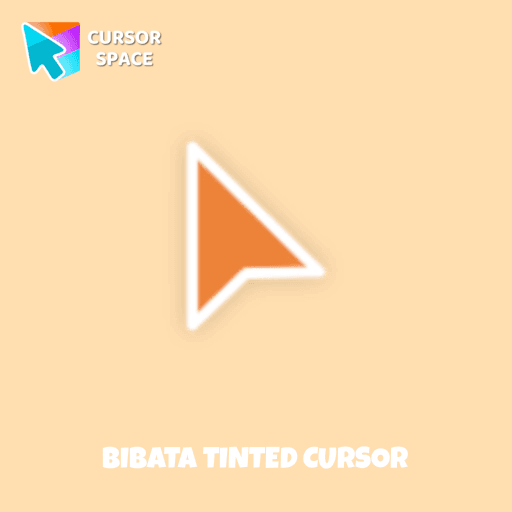
- Default Cursor
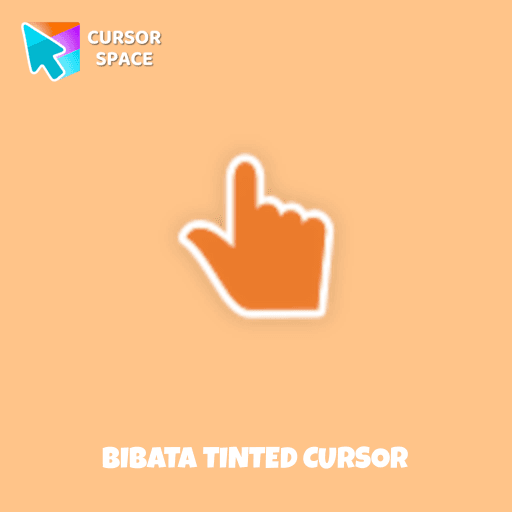
- Pointer (Hand)
How to install a custom cursor pack Bibata Tinted Cursor
Install the Cursor Space extension for Chrome or Cursor Space for Edge in your browser.
On this page, click "Add this cursor pack to the extension".
Open the extension and go to the Packs tab.
Find the custom cursor pack "Bibata Tinted Cursor" and click it.
Enjoy!
Ready to install?
Get this cursor pack and thousands of others by installing our extension. It's fast and free!
About this cursor pack
Bibata Tinted Cursor is a themed cursor pack you can add to your browser to personalize your pointer across common cursor states (default and pointer). Use it for everyday browsing, streaming, studying, or gaming-anywhere you want your cursor to match your vibe.
Instant preview
See how the cursors look before installing.
Easy install
Add the pack to the extension in a few clicks.
Works in your browser
Designed for Chrome and Edge via the extension.
FAQ
Quick answers to common questions about cursor packs, collections, and installation.
Do I need an extension?
Which browsers are supported?
How do I switch back to the default cursor?
Collection hits
Installation leaders from "Bibata Cursor Collection": free packs, neon/anime/pixel art, quick add to Chrome and Edge.
- TOP 1

Bibata Modern Classic Cursor
(456)FreeEnhance your desktop with Bibata Modern Classic Cursor - a stylish custom cursor that combines elegant design with classic comfort for everyday use.
- TOP 2

Bibata Modern Ice Cursor
(202)FreeEnhance your desktop with Bibata Modern Ice Cursor, a stylish and elegant custom cursor inspired by ice, perfect for a memorable user experience.
- TOP 3

Bibata Original Classic Cursor
(183)FreeEnhance your desktop experience with the Custom Bibata Original Classic Cursor, a stylish and modern option for both work and leisure.

Bibata Spirit Cursor
(154)FreeEnhance your digital experience with the elegant Bibata Spirit custom cursor, offering sleek design, smooth navigation, and improved visibility

Bibata Ghost Cursor
(153)FreeElevate your digital experience with the Bibata Ghost custom cursor—sleek, translucent, and minimalist, offering smooth navigation and a sophisticated style.

Bibata Original Ice Cursor
(153)FreeRefresh your desktop experience with Bibata Original Ice, a stylish custom cursor featuring transparent shades and a unique ice effect for everyday use.

Bibata Original Rose Pine Cursor
(133)FreeElevate your digital experience with the sophisticated Bibata Original Rose Pine custom cursor, where stylish design meets smooth, precise navigation.

Bibata Original Amber Cursor
(120)FreeEnhance your workspace aesthetics and efficiency with Bibata Original Amber Cursor, a custom cursor offering refined design and excellent visibility.

Bibata Modern Amber Cursor
(100)FreeUpgrade your desktop with the Bibata Modern Amber custom cursor—stylish, sleek, and functional, offering enhanced visibility and a unique amber touch.
Bibata Modern Amber
(57)FreeThe Bibata Modern Amber Cursor is a stylish design with a sleek amber hue, ideal for enhancing any computer interface.
Install Cursor Space - A Collection of Custom Cursors for Chrome & Edge
Add packs instantly and unlock access to thousands of cursors: neon, anime, pixel-art, and more. Fast, safe, and free.
- Free cursor packs
- HD/HiDPI & animated icons
- Quick browser installation
Cursor Space is an extension for changing your mouse cursor in Chrome and Edge browsers: themed collections, HiDPI icons, neon, animated, and pixel cursors, with quick installation.